Published · Updated
Upgrading to ERPNext v15: What Changes and What Breaks
Version 15 changed how serial and batch numbers are stored, added stock reservation and moved more modules into separate apps. This is what to expect when you upgrade from v13 or v14, and what to test before you switch.

Founder, Havenir Solutions
Newer versions have shipped since this post. The free health check tells you your upgrade path.
1. Serial and batch numbers move into a bundle
This is the change most likely to break something. Before v15, the serial numbers of a transaction row were typed into one text field on that row. In v15 they live in a separate document, the Serial and Batch Bundle, which the row in a sales, purchase or stock transaction links to. Frappe made the change to fix data integrity problems with the text field.
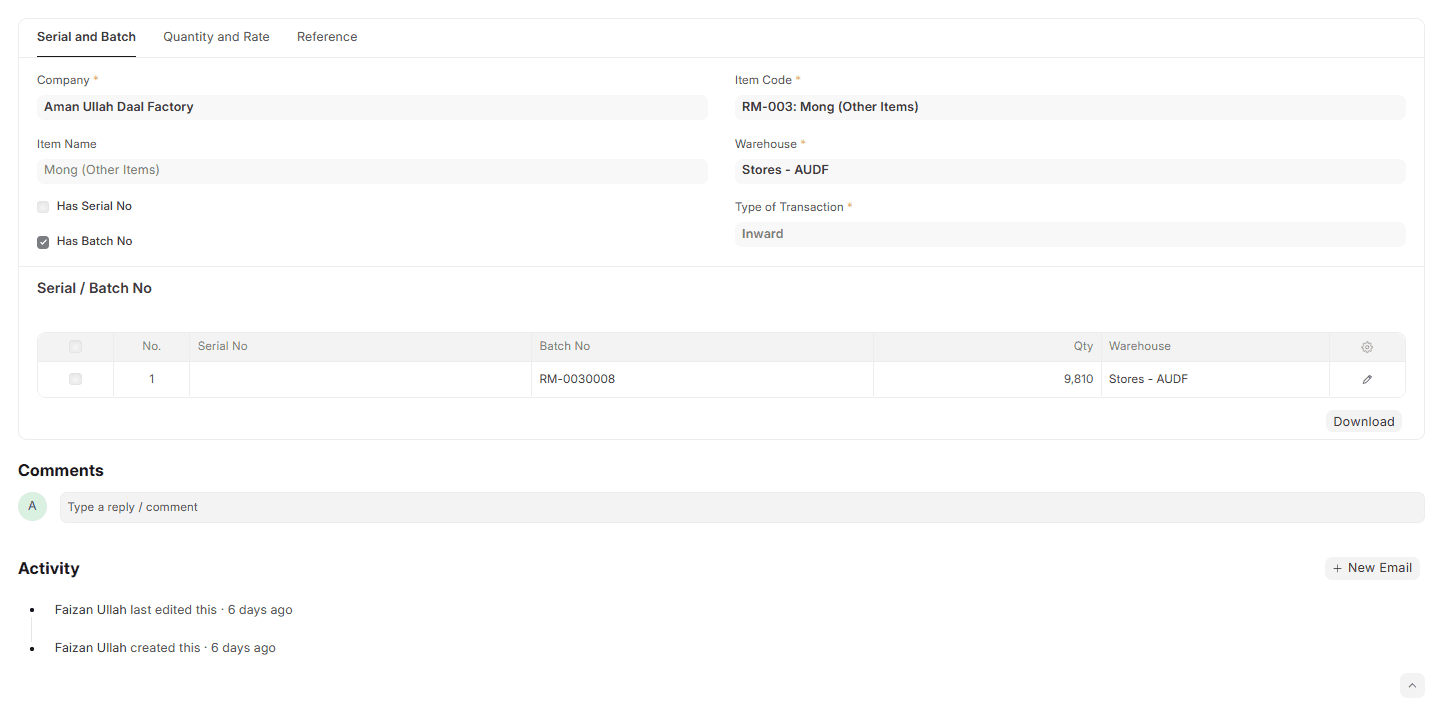
A Serial and Batch Bundle in ERPNext v15.
What to check before you switch:
- Custom print formats that print serial or batch numbers from the row. They now have to read the bundle, with the
get_serial_or_batch_nosJinja method or the standard bundle print format. - Custom scripts, reports and integrations that read or write the serial and batch fields on transaction rows.
- How your users enter serials. Stock Settings has a Use Serial / Batch Fields option that keeps entry on the row and creates the bundle behind it.
2. Stock can be reserved against a sales order
Stock reservation is new in v15. Once it is enabled in Stock Settings, you can reserve quantities in a warehouse for a specific sales order, so they are not promised twice. Serial and batch numbers can be reserved the same way. Stock Settings also has options to allow partial reservation and to reserve incoming stock for a sales order when it is purchased.
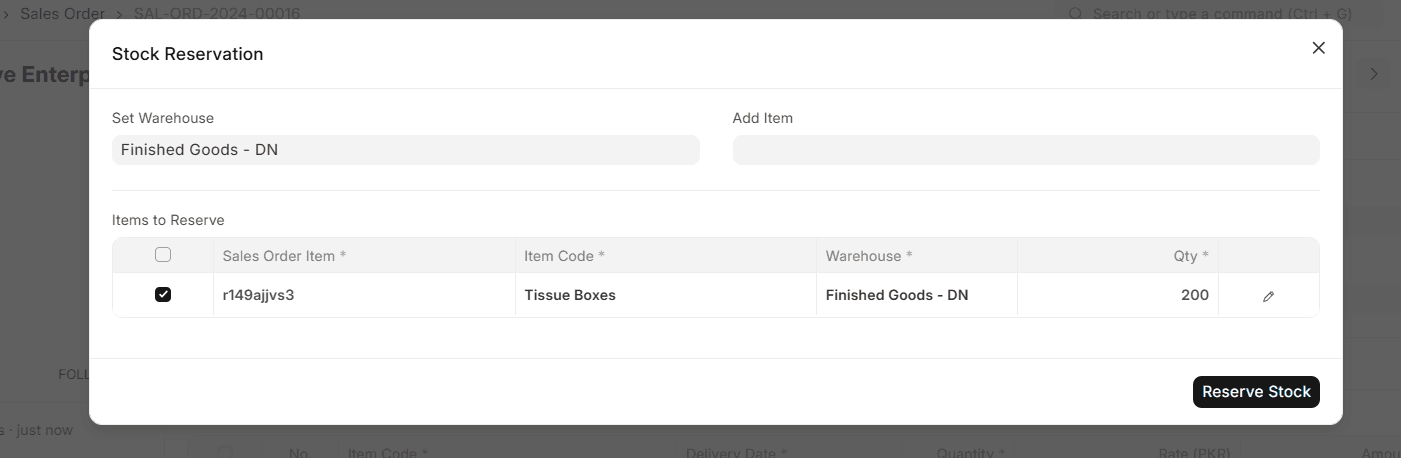
The Stock Reservation dialog on a sales order.
Nothing breaks here: reservation is off until you enable it.
3. More modules become separate apps
Frappe keeps moving modules out of ERPNext. If you use one of these, the matching app must be installed on your server as part of the upgrade. Frappe's migration guide states there is no loss of functionality.
| Moved out in v15 | Moved out in v14 (matters when you come from v13) |
|---|---|
| Lending | HR and Payroll (now Frappe HR) |
| E-commerce (now Webshop) | Healthcare, Education, Agriculture, Hospitality, Non-Profit |
| Payments | India taxation (India Compliance) |
| French and KSA localisation | Germany localisation and the Datev integration |
| TaxJar and Exotel integrations | E-commerce integrations |
The Social Media module and the WooCommerce integration were removed from ERPNext in v15.
4. Payment reconciliation, if you come from v13
Background payment reconciliation arrived in v14 (from 14.23), not v15. With Auto Reconcile Payments enabled in Accounts Settings, you submit a Process Payment Reconciliation document for a company, party and account, and a scheduled job reconciles it. The setting is off by default and nothing is reconciled without that document. Unreconciling a payment without cancelling it is in v14 too (from 14.44). Coming from v13 you get both with the upgrade.
v15 (from 15.49) adds two settings: how often the job runs and how many documents it takes per run.
5. Subcontracting, if you come from v13
Until v13, subcontracting ran through the standard buying cycle. v14 moved it into its own module with two new documents, the Subcontracting Order and the Subcontracting Receipt. Open subcontracting purchase orders can still be completed the old way. New ones follow Purchase Order → Subcontracting Order → Subcontracting Receipt, so the people who raise them need to be shown the new flow, and any script or report built on the old one needs checking.
6. Smaller changes that affect daily work
- Reorder levels: a material request is now created when projected quantity is equal to the reorder level, not only when it falls below it.
- Dunning: one dunning can cover several overdue sales invoices. Scripts and print formats built on the old single-invoice link need adjusting.
- Customer and supplier portal: portal users are added on a Portal Users tab of the customer or supplier, and get the role automatically.
- Employee permissions: adding the Employee role to a user no longer creates the user permissions on its own.
- Reports: TDS Payable Monthly is renamed Tax Withholding Details, and Cashflow Mapper is gone.
- Forms: sales and purchase documents are split into tabs, and the desk has a refreshed design.
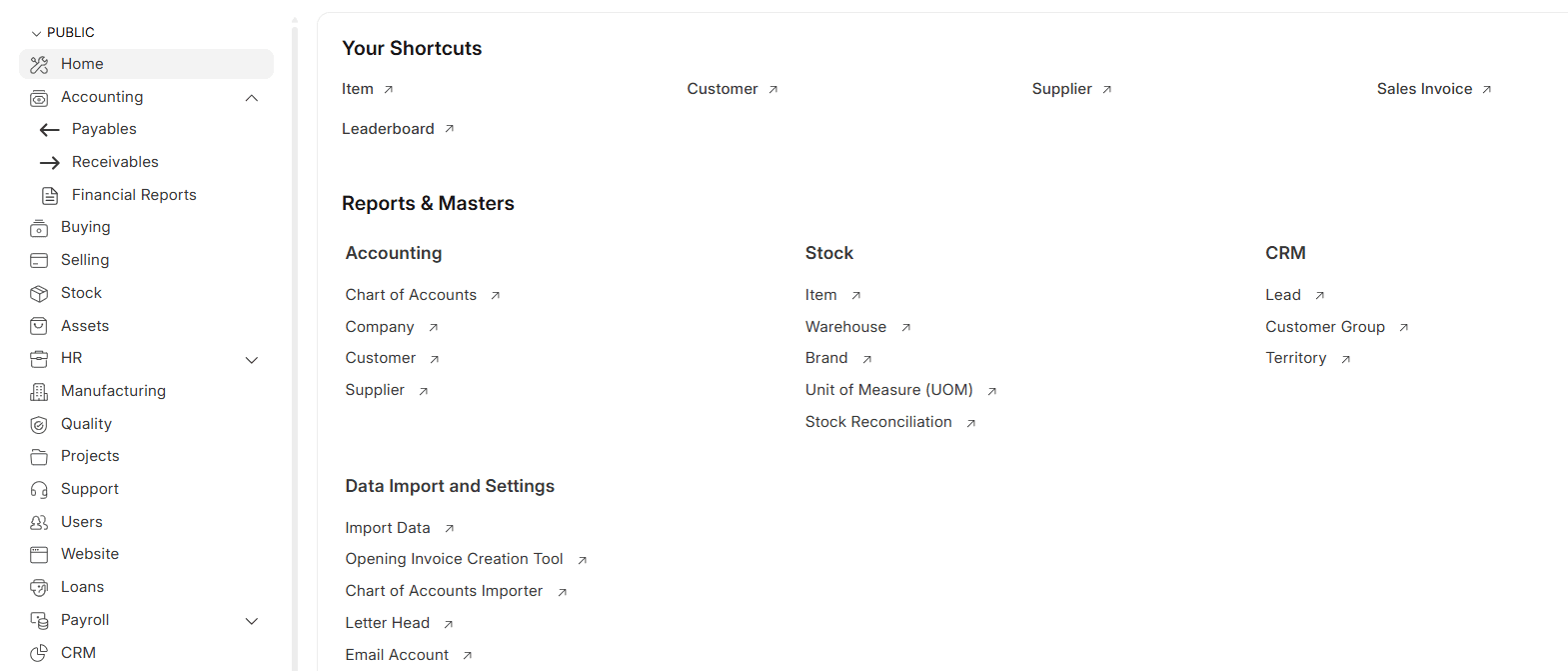
The Home workspace in ERPNext v15.
What we hit on real upgrades
- A v13 to v15 migration stopped on duplicate Property Setters. In December 2024 a production migration failed with a duplicate-entry error on two Property Setters for Asset fields (
number_of_depreciations_bookedandpurchase_receipt_amount). The site already held property setters with those names, and the migration could not finish until the conflict was resolved. - The same upgrade needed three apps installed. HR, loans and payments had moved out of ERPNext, so Frappe HR, Lending and Payments went onto the server with it.
- Custom fields were moved into the client's app afterwards. Fields that existed only in the production database, on the client's own doctypes and on Supplier, Employee, Leave Application and Expense Claim, were exported into its custom app so they are versioned with it.
- Another upgrade got a written test plan first. For a manufacturer with heavy customisation, the plan covered 22 custom scripts, two custom dashboards, a scheduled job and a class override, each with its own test steps.
What to test before you switch
- The migration itself, run to the end on a copy of your production database.
- Every print format that shows serial or batch numbers.
- Custom apps and scripts that touch stock transactions, dunning or reorder logic.
- Whether a module you use has moved to a separate app.
- A full cycle on that copy: purchase, stock entry, sale, payment.
Sources: Frappe's migration guide to version 15 and the v15 release notes.
Ready to move? See how we upgrade your ERPNext to a supported version.